Portainer is THE app for administering your docker containers – nothing comes close
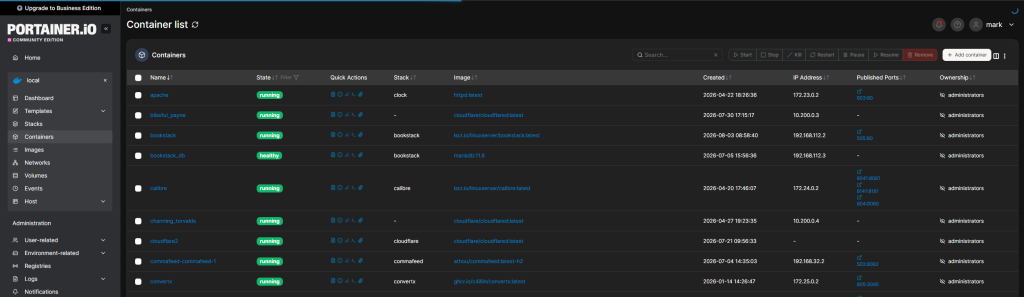
For this container, I havent used a compose file as for some reason, I could never get the one suggested on the portainer.io website to work correctly – as such I simply used the default docker run command from the same site
docker run -d -p 8000:8000 -p 9443:9443 --name portainer --restart=always -v /var/run/docker.sock:/var/run/docker.sock -v portainer_data:/data portainer/portainer-ce:ltsOnce running, portainer will automatically identify all your containers and allow you to administer them
Portainer is so useful when you have issues with any containers as it provides all the tools you need to manage the containers (restart, shutdown, etc. along with the ability to use the exec function to access the container directly with a shell so that you can explore things like file systems, logs, etc.
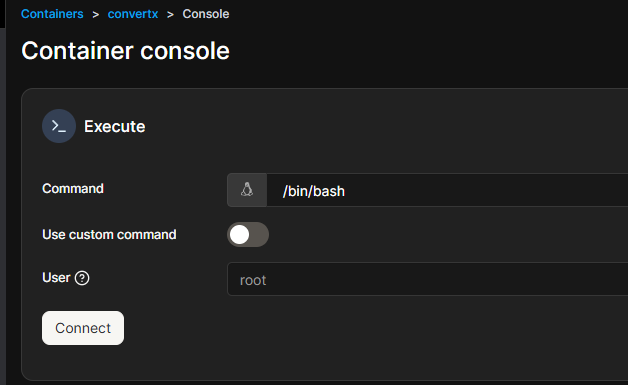
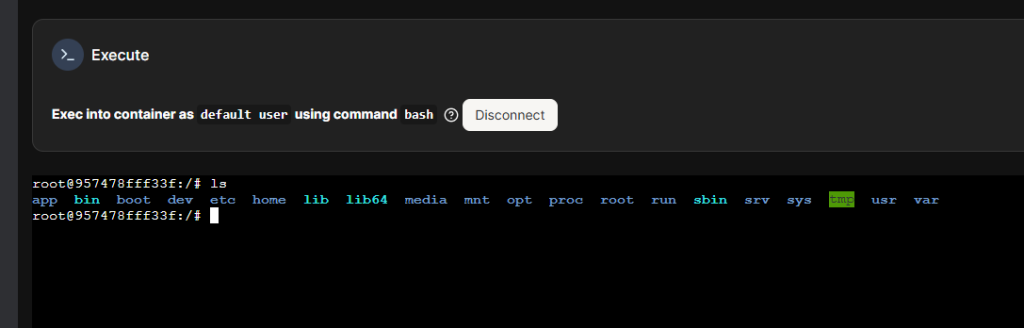
There are so many things you can use Portainer for in terms of managing your containers, I probably only use a 10th of its capabilities
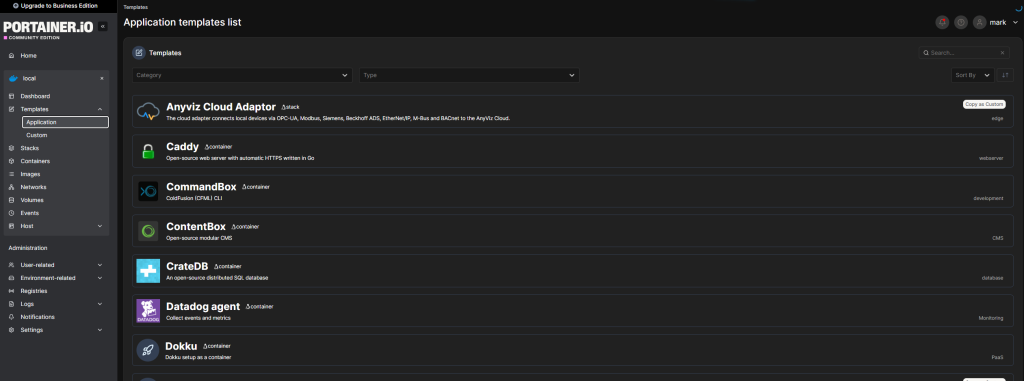
Portainer isn’t just for managing existing containers – it can also be used to build new containers, or deploy containers from templates