
RSS – Really Simple Syndication has been around since 1999, and is used to provide an XML data stream of news snippets of a websites latest content
To read an RSS feed, you need to subscribe to the RSS updates with a feed-reader (A.K.A Aggregator) – This is what Commafeed is
RSS used to be a very common way to stay updated with the latest news from your favourite sites without constantly visiting the site – Over the years however, the use of RSS has dwindled and many sites no longer bother to provide a feed
From Wikipedia:
Several major sites such as Facebook and Twitter previously offered RSS feeds, but have reduced or removed support. Additionally, widely used readers such as Shiira, FeedDemon, and particularly Google Reader, have all been discontinued as of 2013, citing declining popularity in RSS. RSS support was removed in OS X Mountain Lion’s versions of Mail and Safari, although the features were partially restored in Safari 8. Mozilla removed RSS support from Mozilla Firefox version 64.0, joining Google Chrome and Microsoft Edge which do not include RSS support.
Since the late 2010s, however, there has been an uptick in RSS interest again. In 2018, Wired published an article named “It’s Time for an RSS Revival“, citing that RSS gives more control over content compared to algorithms and trackers from social media sites. At that time, Feedly was the most popular RSS reader. Microsoft Edge (New) on Windows and Google Chrome on Android added the ability to follow RSS feeds as of 2021
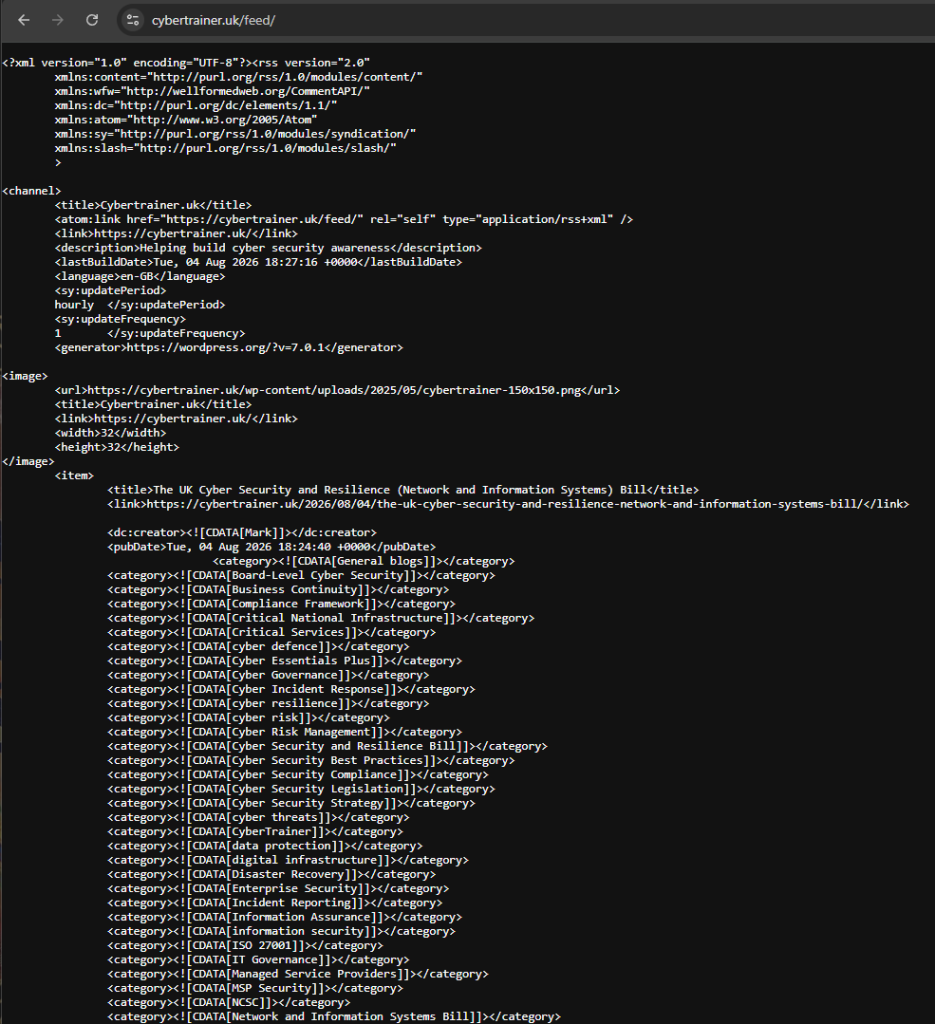
WordPress is now responsible for running over 43% of the websites on the WWW, and unless the developers turn off RSS generation in the websites settings, any WordPress hosted site can provide an RSS feed by simply appending the word /feed to the end of the URL.
e.g. https://cybertrainer.uk/feed
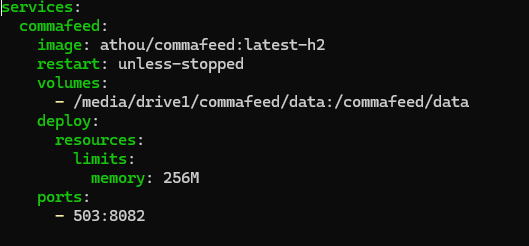
Building CommaFeed is very straightforward – the compose file can be found on docker hub, but the main developer site to build your own version from scratch can be found on GitHub.
I used to provided compose file and amended it for my setup. All I altered was the port it uses, and the path name for my data directory
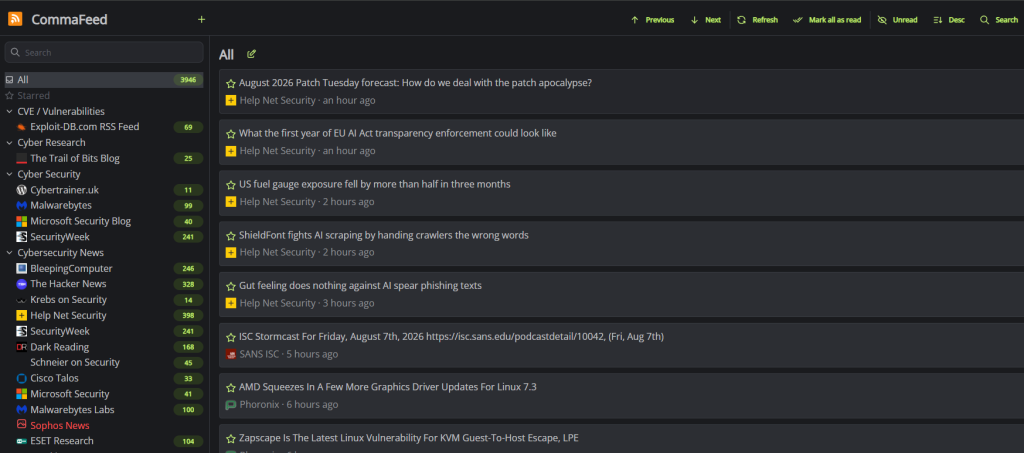
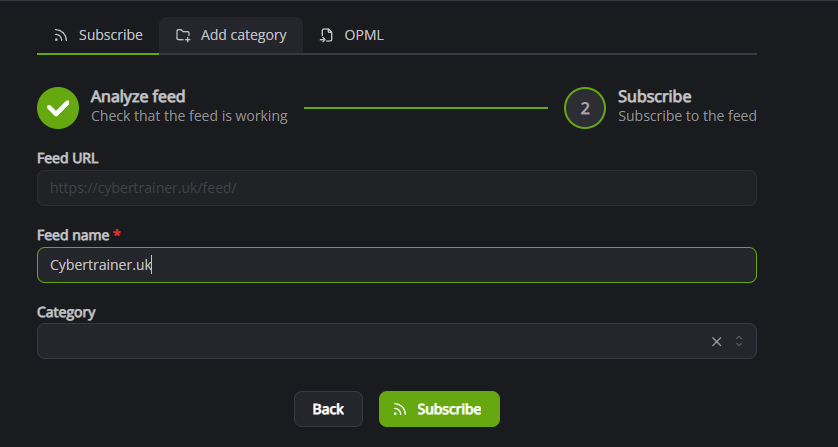
Once installed and running, subscribing to feeds is quite easy. Simply click the Plus icon at the top of the screen and then enter the URL of the RSS feed you wish to subscribe to
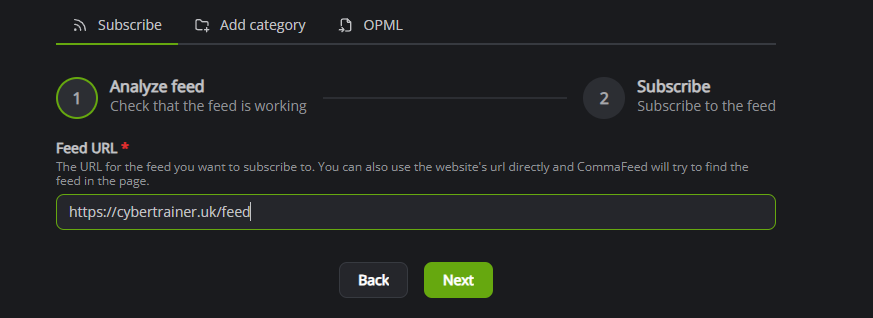
Once the feed URL has been verified as viable, you can then name the feed and assign it to a category if you wish
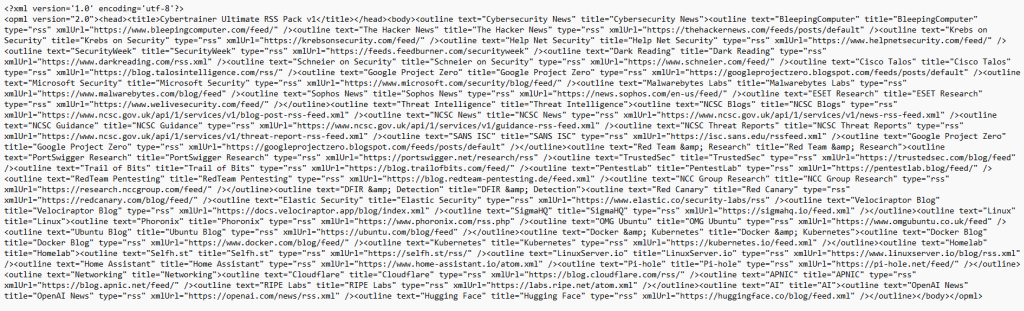
An alternate way to bring in multiple feeds at the same time is to build an OPML file and import that to CommaFeed
OPML (Outline Processor Markup Language) is an XML file format used to store and share hierarchical lists, notes, and RSS feed subscriptions between different apps.
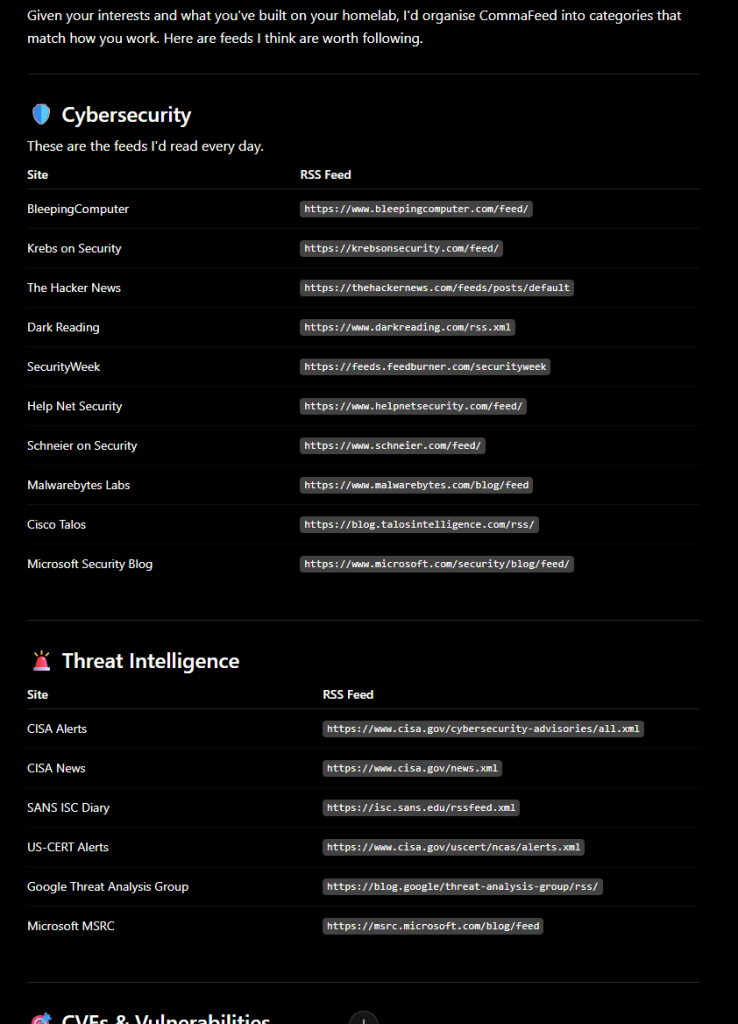
I used an OPML file which I generated via ChatGPT. I gave ChatGPT my requirements and it went and identified many RSS feeds, validated them and then added them to the OPML file which I then imported to CommaFeed
Having a regular supply of news about your favourite topics is a great way to get the information you need without having to go searching the web, plus you don’t get all the “filter bubble” garbage that the algorithms insist you want (but never do). Having any RSS reader is good, but CommaFeed is a really good app to self host.