As I have already detailed, I use Obsidian for my notetaking – whether it be jotting down ideas for blog posts, attending meetings, drafting new courses to build, or simply taking notes for everyday tasks – Obsidian is my go-to app.
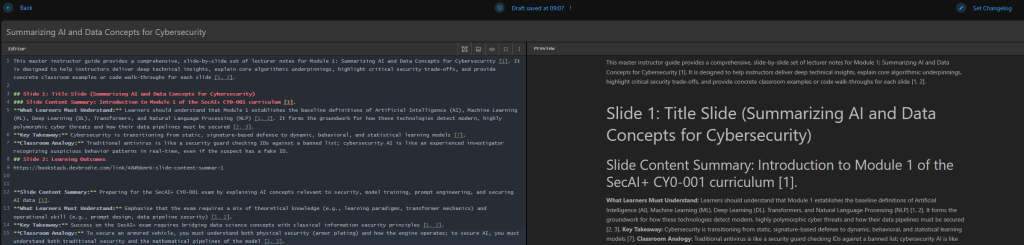
However – for more polished, complete reference guides, I have found that Obsidian just doesn’t do it for me – this is where BookStack come in VERY handy
As the name suggests, BookStack allows you to curate data in the form of a book, complete with chapters, and pages – all neatly organised into shelves of different topics
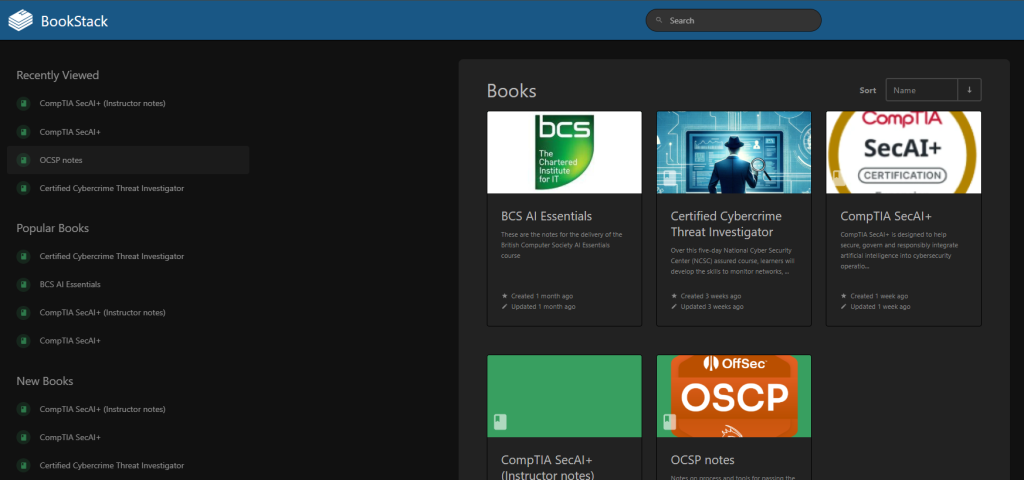
The app can be installed as a container, but it also has a fully pre-built version for deployment as a native Windows app for those who don’t want to manually self-host – the main homepage for the app is here.
To build my version of the app, I used the compose file built by the team at Linuxserver on their GitHub page
The compose file is fairly simple, but does require a bit of tweaking for your environment
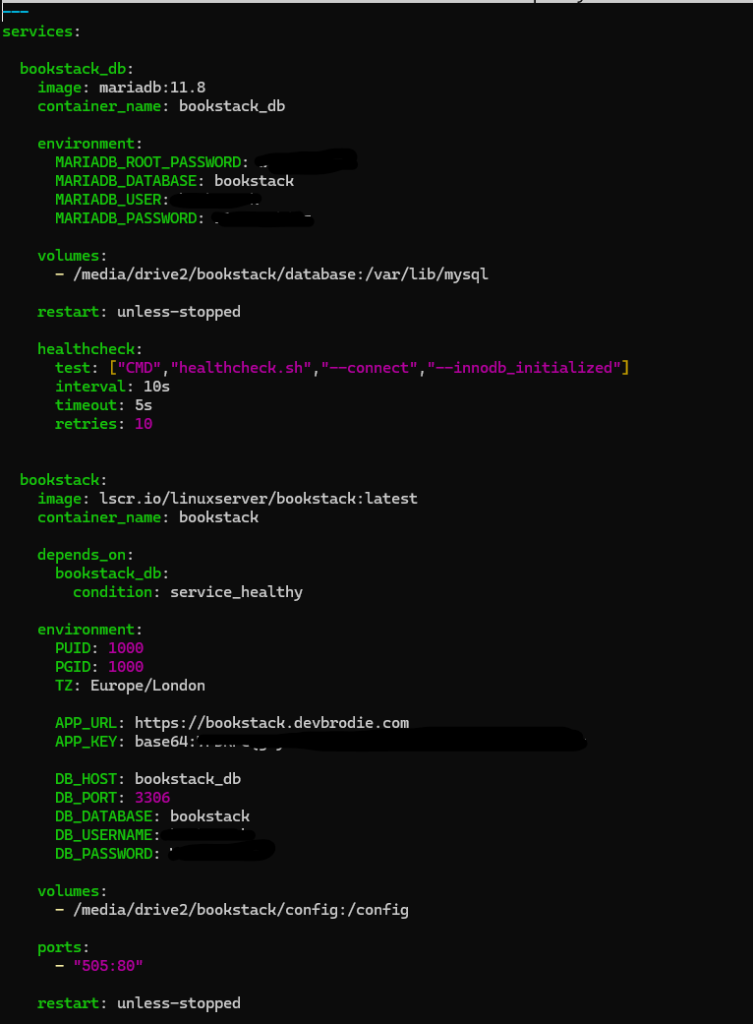
To configure the compose file, you need to generate some username and password data for the back-end database, as well as the web interface.
You also need to generate a 32-bit, base64 encoded API key – this is done with the following command:
docker run -it --rm --entrypoint /bin/bash lscr.io/linuxserver/bookstack:latest appkeyOr you can generate it via the base64 tool in Linux
echo "base64:$(openssl rand -base64 32)"or
echo "base64:$(head -c 32 /dev/urandom | base64)"The only other thing to do is set the path name for your data.
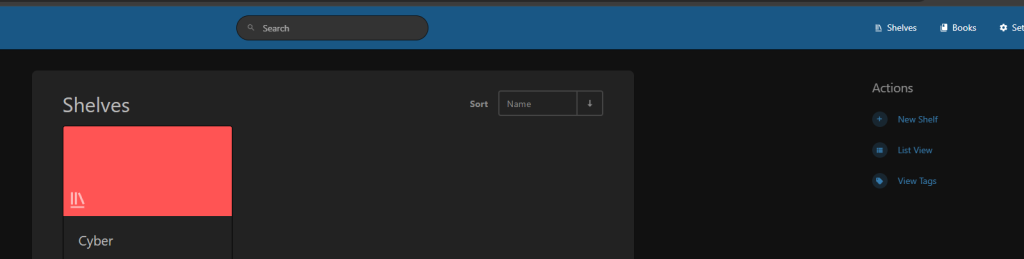
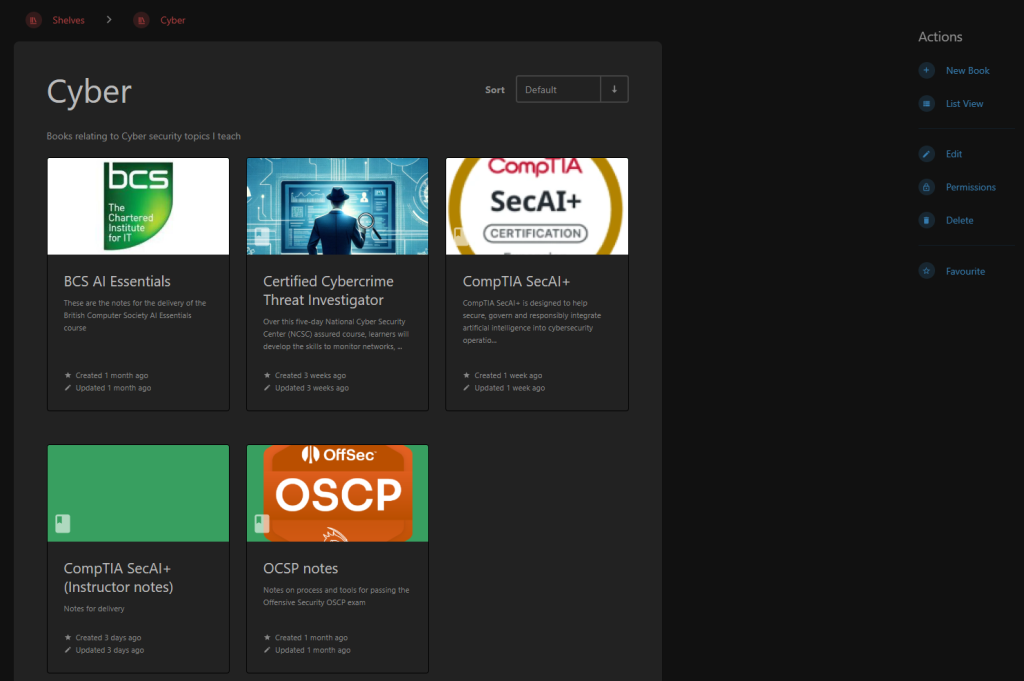
Once running, creating books is very simple, You can build separate shelves for different topics, or genres, then you build a book on that shelf
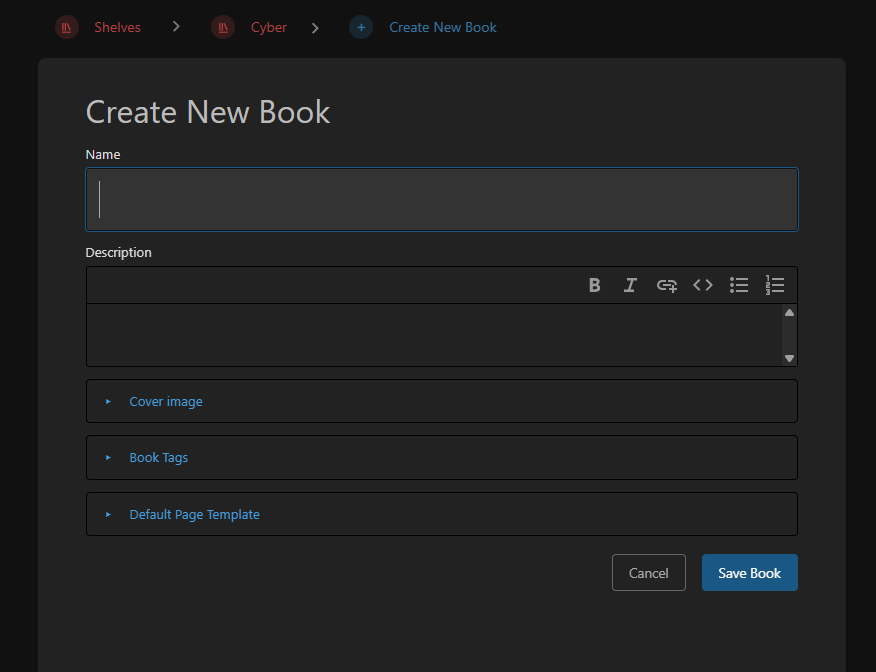
When creating a book, you have the options to give the book a name, description, cover image, and tags
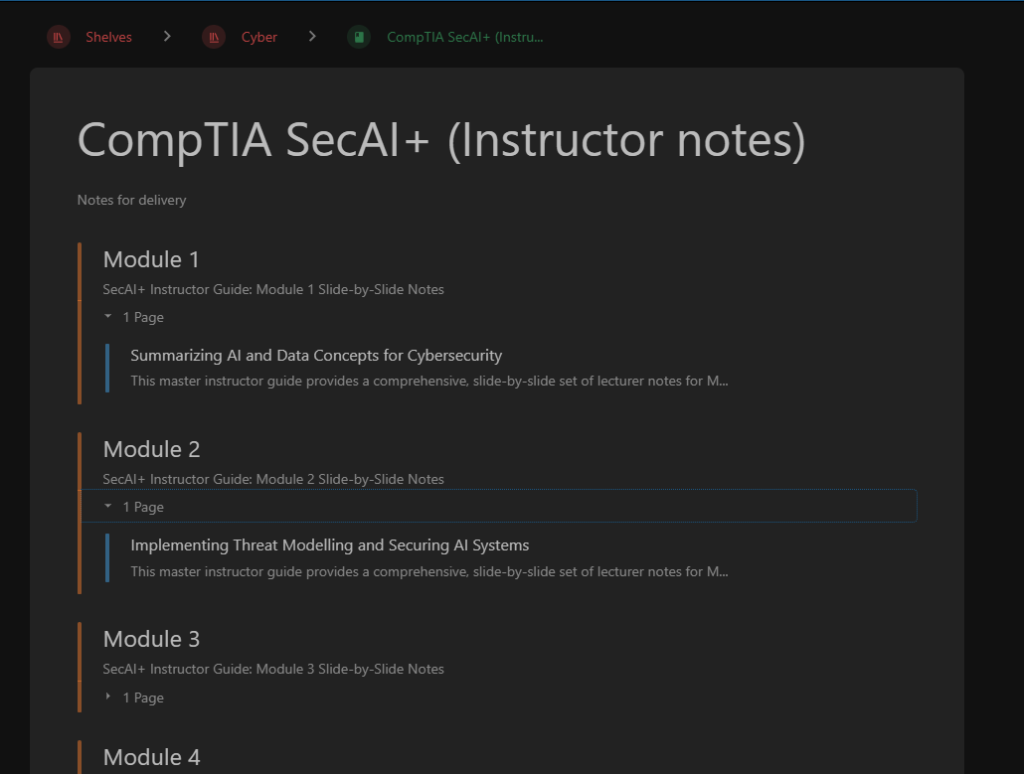
Once the book is created, you can divide up the context however you want – Create chapters, then within those, create as many pages as you need
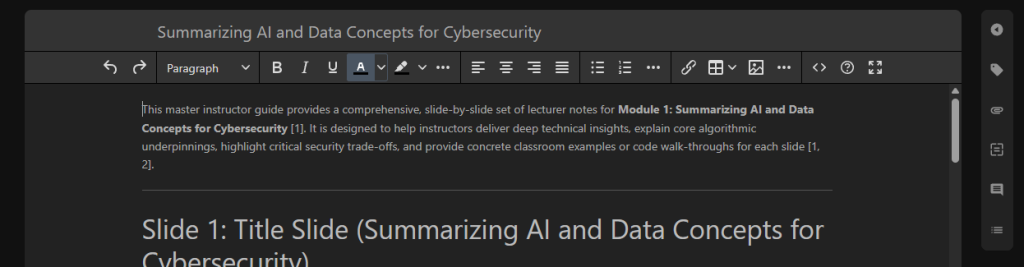
Adding content to a page is achieved in a couple of ways – You acn use the WISYWIG editor which is just like using a basic word processor tool with some basic formatting options such as bold, itallic, paragraph alignment, bullets points, etc.
Or, if you are familiar with using markdown, you can build content using the markdown editor (or import markdown files)