
Dawarich is a wonderful app that keeps track of all the places you’ve travelled by collecting the location data form your mobile device
The main website for Dawarich is here, and this is where you can either download the self-contained app to run on a Windows PC, but is also where you will find the instructions to self-host the app
The compose file is quite complex and when I created mine I had many errors, so I turned to Claude code to help me debug and get a working version.
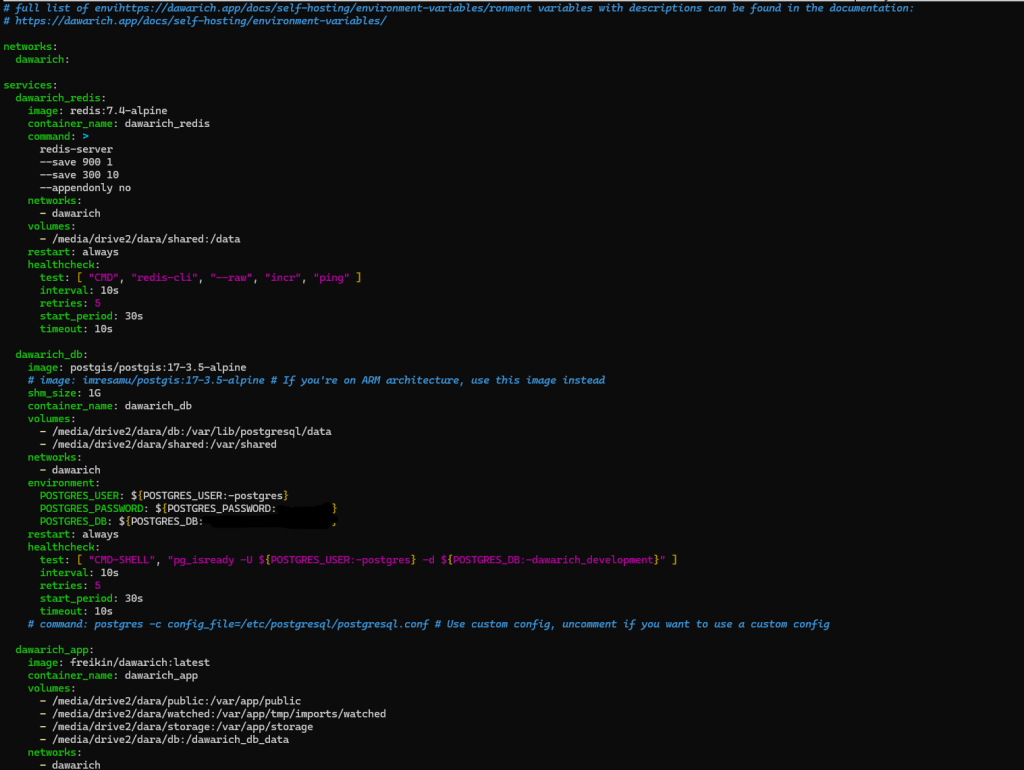
Darawich uses multiple containers, so the compose file contains all the data for downloading and configuring each service needed to run your instance.
Once you have a running Dawarich instance, you can import any old tracking data from your phone – if you have an Android or an iOS device, you can export your information as a JSON file to then import into Dawarich. Full instructions on how to do this are on the Dawarich website.
Importing this data will import your historic location information, but you don’t want to have to do this every day, so to keep Dawarich up-to-date, you will need to install the Dawarich app on your device
The app is available for both Android and iOS from the respective app stores
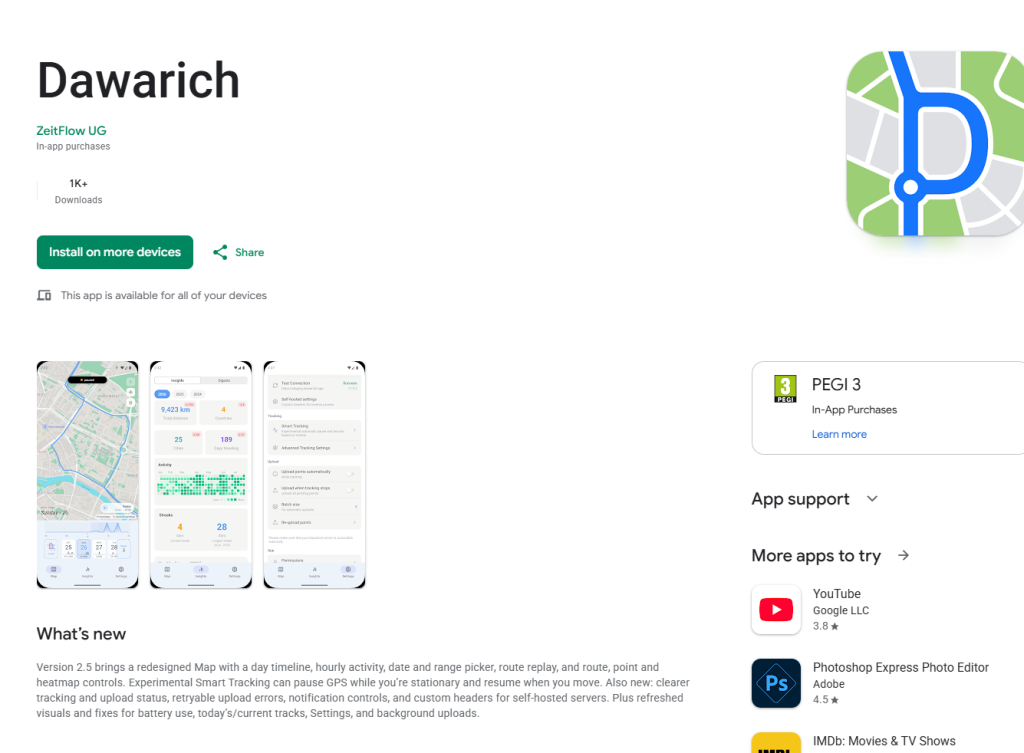
Once you have installed the app on your device, you will need to configure it to automatically upload its data to your hosted instance – you will need to generate an API key for this via your hosted service.
The API key is located in your Account settings

Simply enter this into your Dawarich app settings and then connect to your server
All your location data will now be automatically uploaded for you to explore on the app

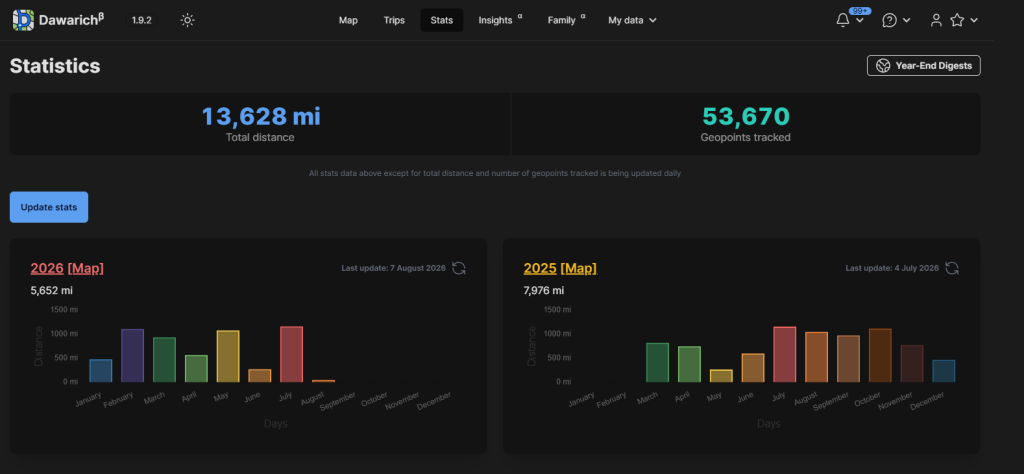
For the data nerds – Dawarich is great. You can explore a full history of your activity via the statistics page
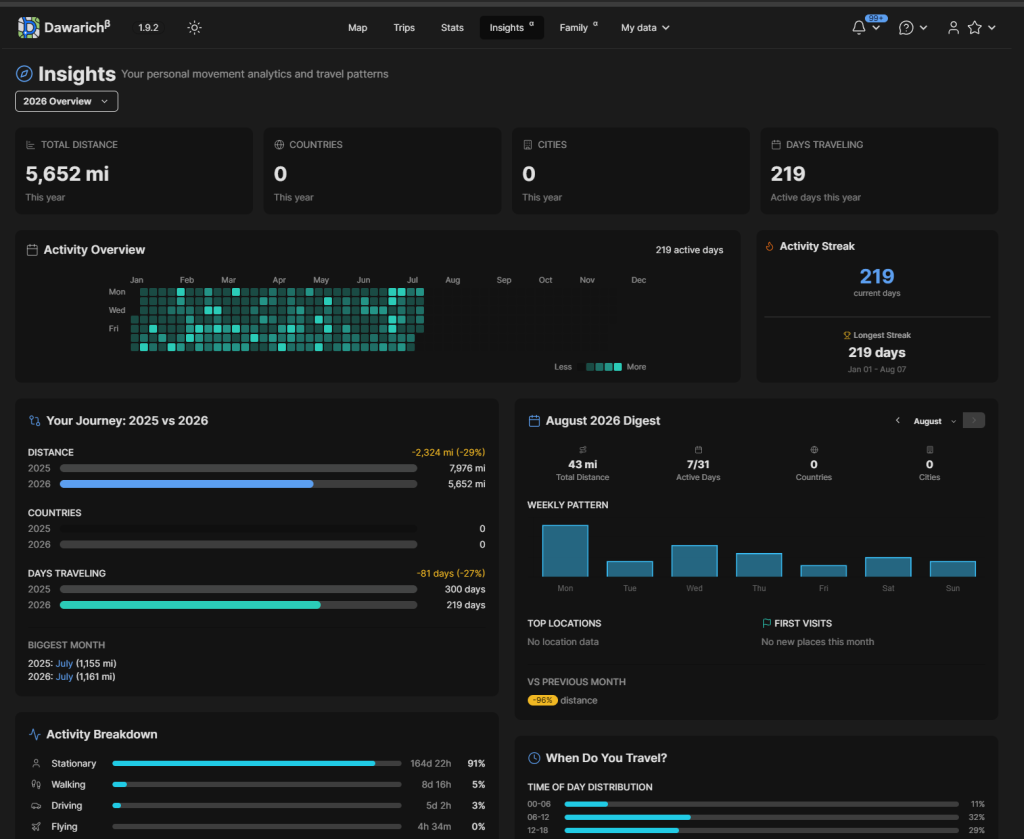
And gain even more information via the Insights page
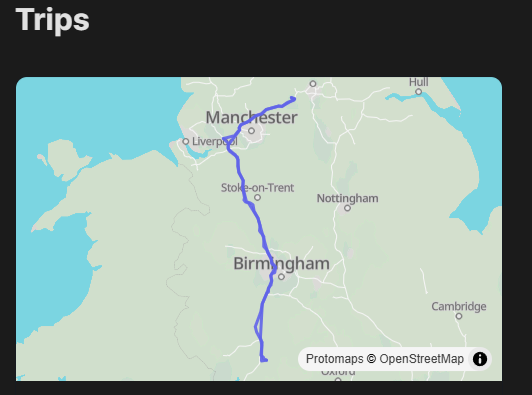
The Trips page gives you the opportunity to record activity relating to a specific trip so you can revisit it if you need without having to use the date search facility
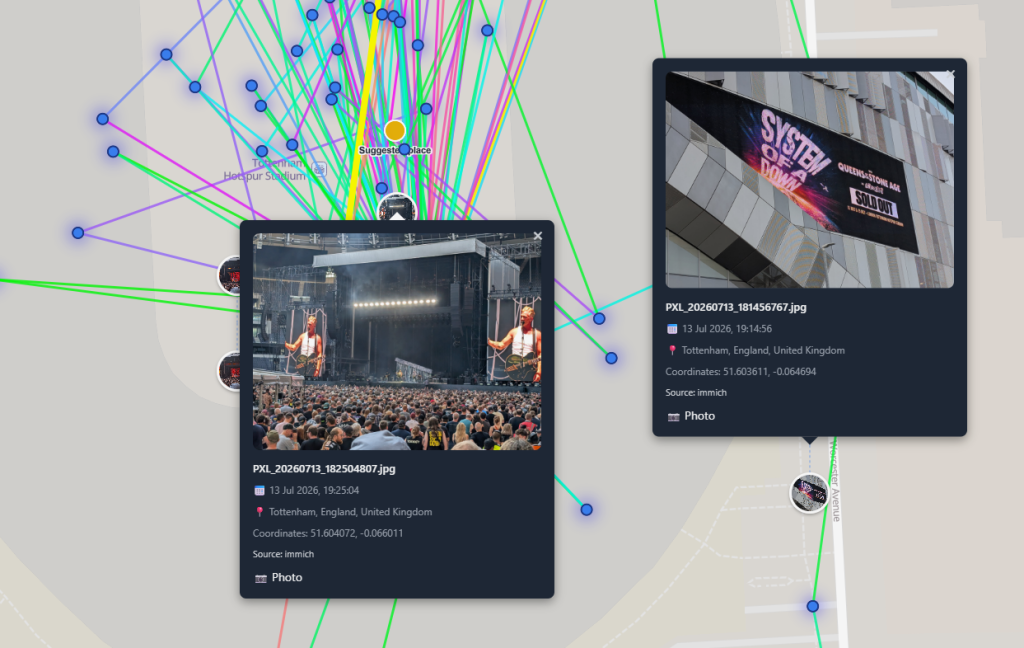
One of the most impressive features for me is the ability to link Dawarich to your Immich instance and then display geo-tagged photos on the Dawarich map
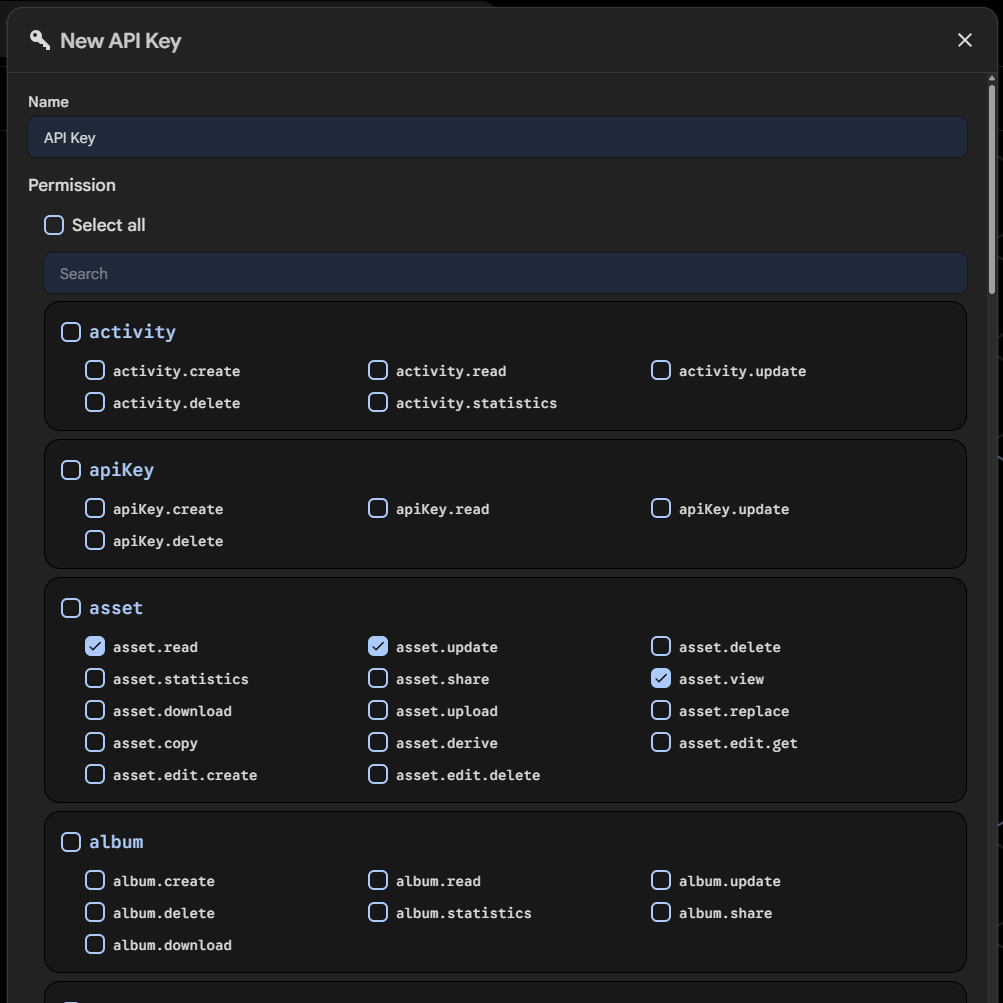
To link your data, you need to generate an API key in Immich with the values of asset.read, asset.view, and asset.update enabled
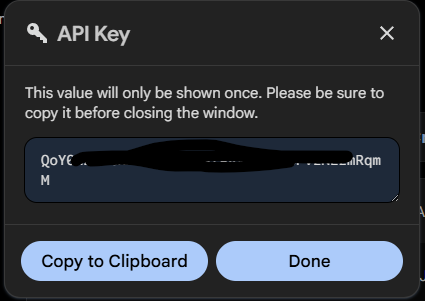
Copy the resulting API key
Enter the API key data into the Integrations settings in Dawarich

Now, whenever you upload new photos to Immich that are Geo-tagged, they will automatically appear on your Dawarich timeline