
Earlier on in this section on self-hosting, I wrote about Homebox – which is a brilliant utility for managing assets in your house (Electrical devices, antiques, etc.) which can be useful for insurance purposes, warranty information, etc.
I wanted another app like this, but for the various collections I have (books, music, coins, etc.) as Homebox isn’t really geared up for that sort of stuff.
After ages searching and trying out various contenders, I stumbled across Koillection – which fits the bill perfectly for me.
The docker image I use can be found here – https://github.com/benjaminjonard/koillection
The compose file is pretty straightforward, as is the .env file
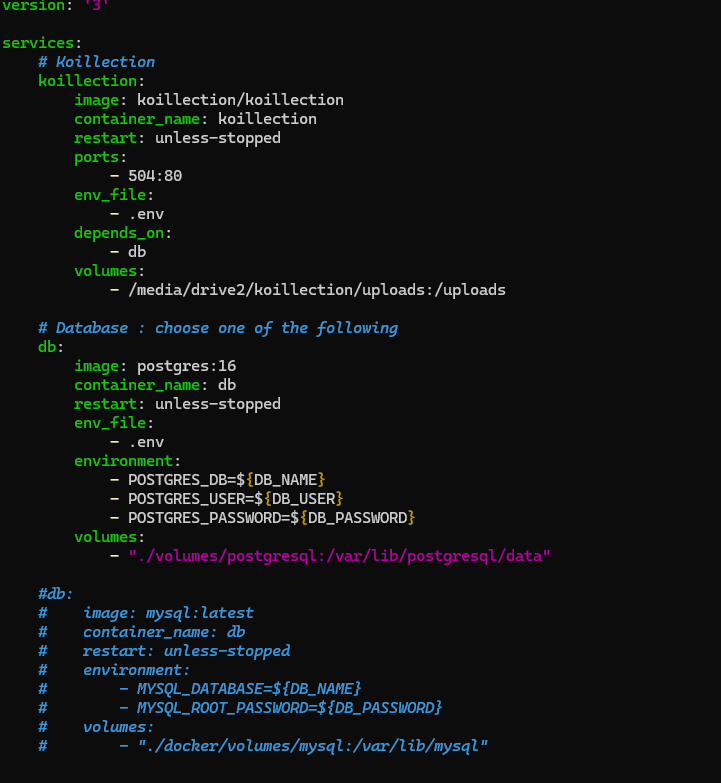
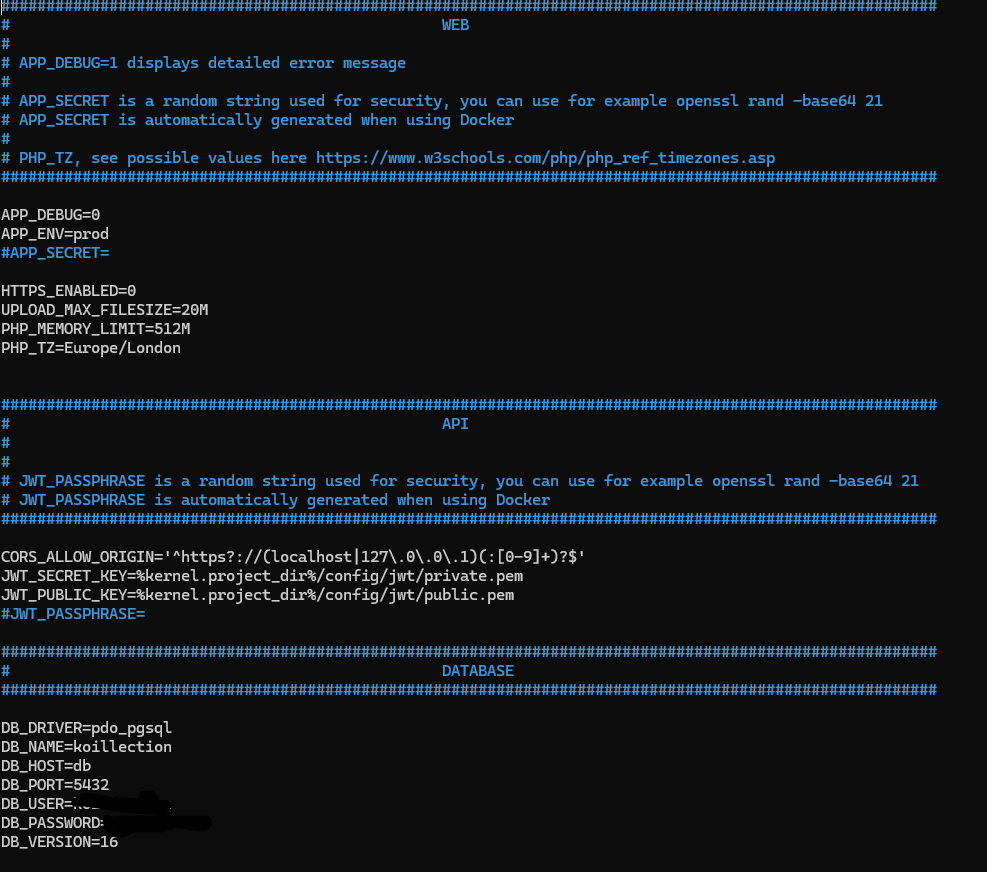
The only values which need configuring is the location of the volume where the data will be stored, and the username and password for the MySQL or Posegres database.
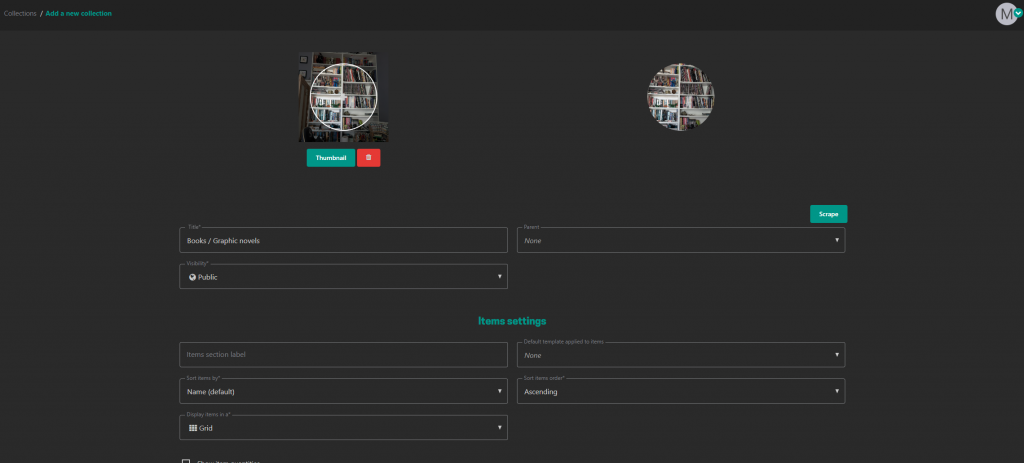
Once deployed, creating a collection is very easy. Simply click the icon to create a new collection, give it a title, add a thumbnail image, and you are good to go.
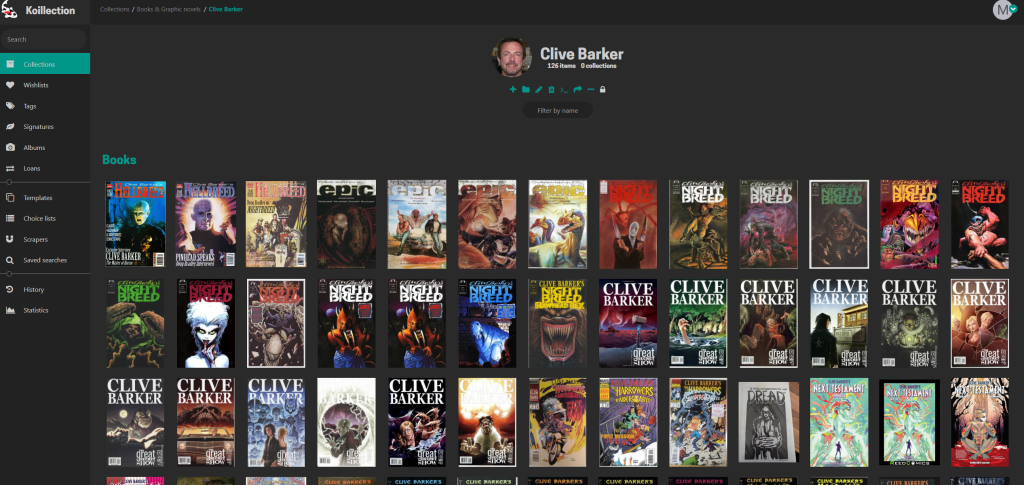
You can make sub-collections within collections too – so for example by author, or genre, etc.
Additionally you can build templates for all the fields you want to create within your collections to make it easier to add content quickly
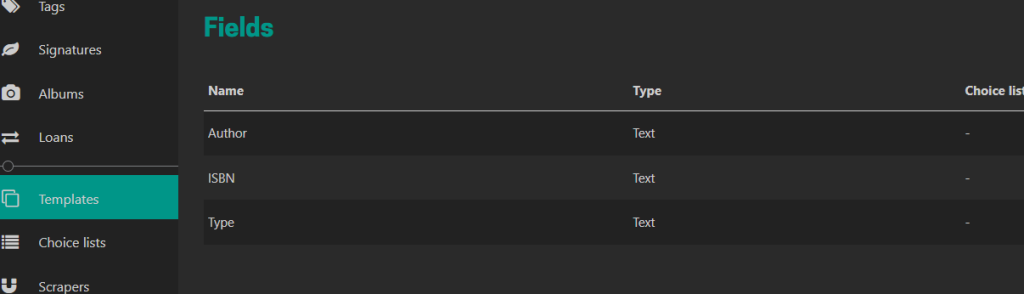
To speed things up even more, you can built choice lists so that when filling out the template, you can pick options from the list
The scraper option is a regex-style tool that allows you to automate the process of completing fields by scraping websites for the information. I haven’t implemented any scrapers yet, but the process to build a scraper seems fairly straight forward – details of how scrapers work are on the developers github page: